Beauty • Rental service
Rent a premium beauty device —
to your home, simply & safely
An easy way to try beauty technology without buying it outright. Each product page shows the recorded hygiene and availability status.
No deposit
Each started 24-hour period is billed as one rental day. No deposit is charged or held on your card.
Carefully selected beauty devices
The catalogue lists at-home cosmetic-care devices with pricing, instructions and their recorded hygiene status.
- Nº 01
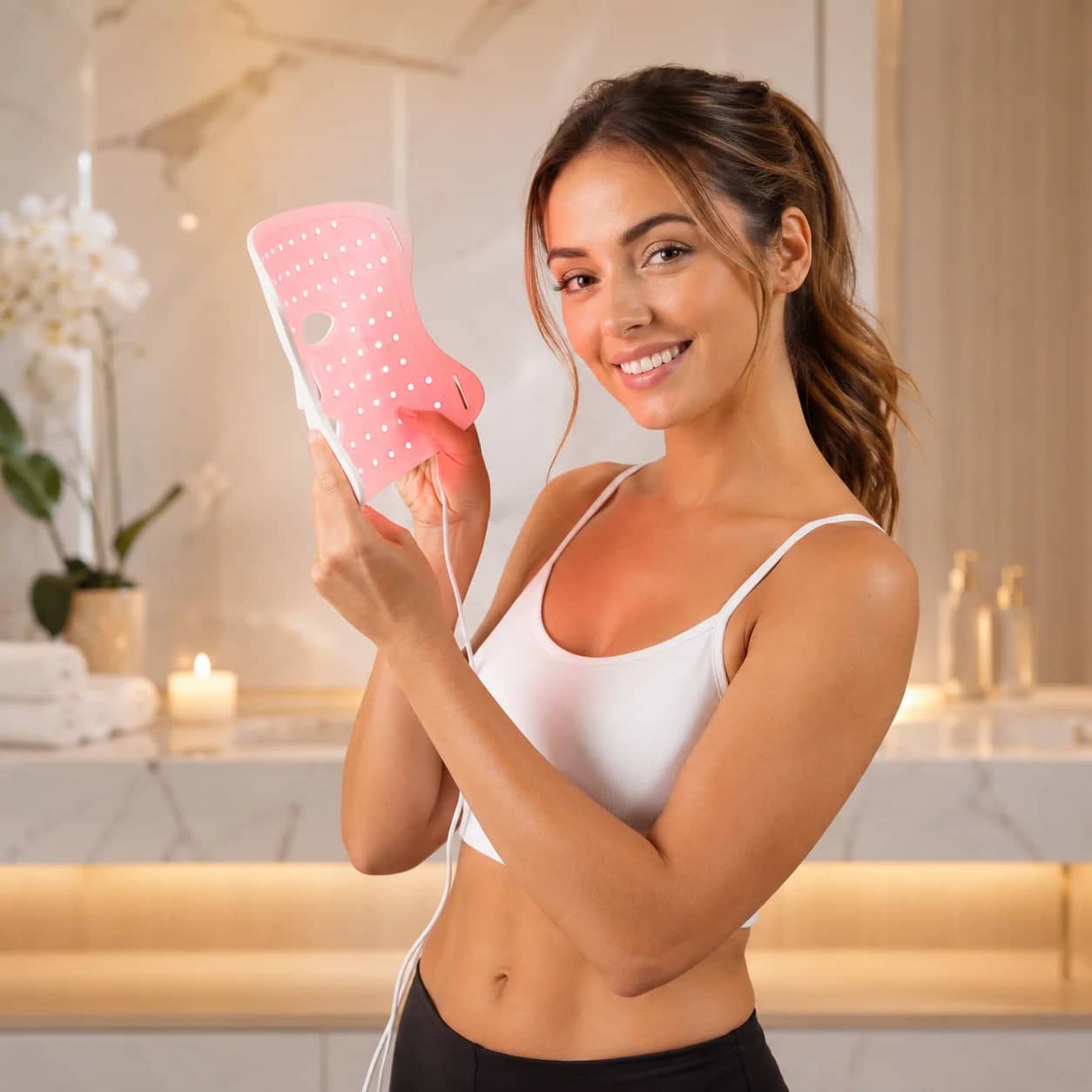
LED Therapy
Nordic Beauty LED Mask 1500
Red and near-infrared facial care in a convenient 10–20 minute session.
Available€24.00/dayBook - Nº 02
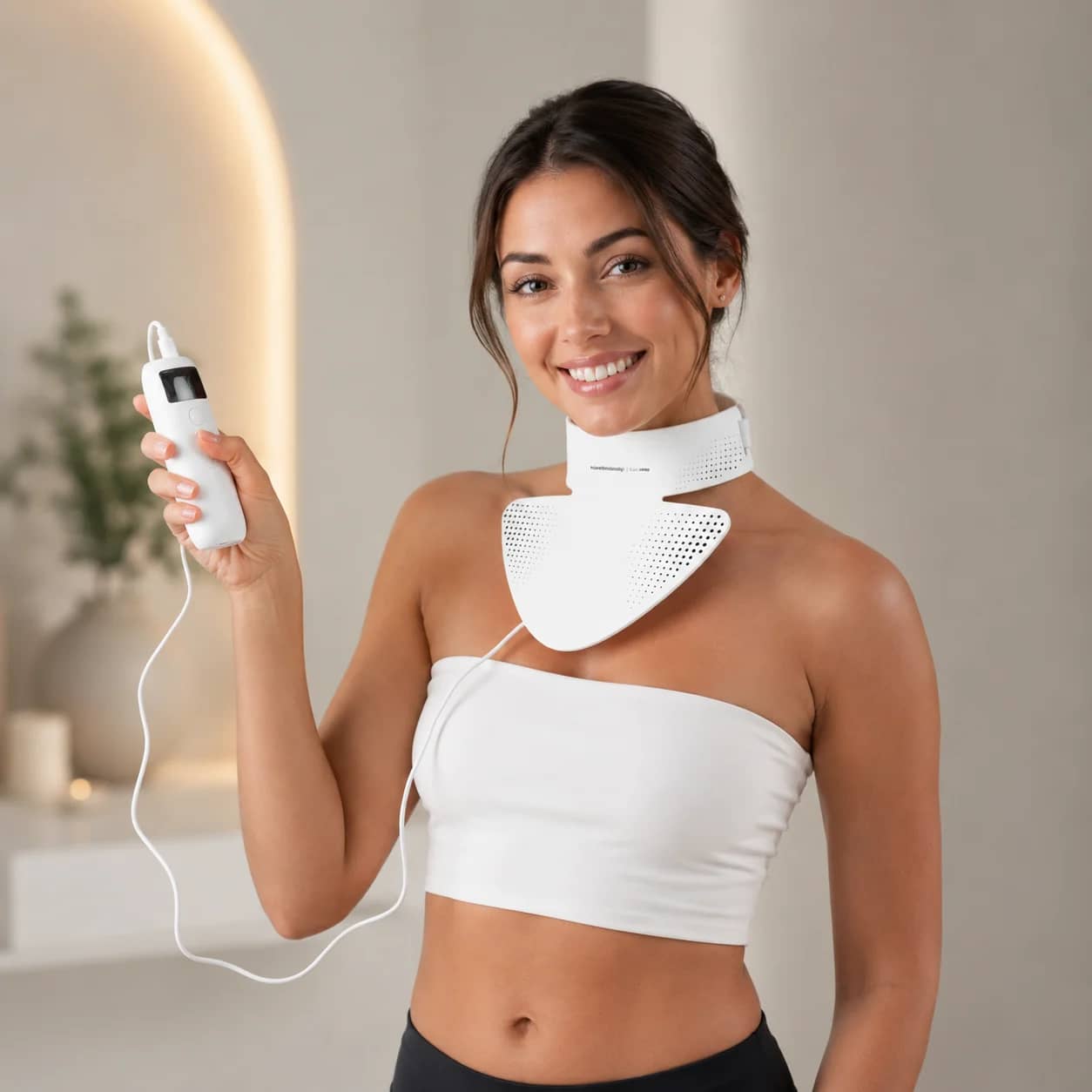
Neck Care
LED Neck Care Pro
A U-shaped LED device for neck and décolletage care with seven light modes.
Available€18.00/dayBook - Nº 03
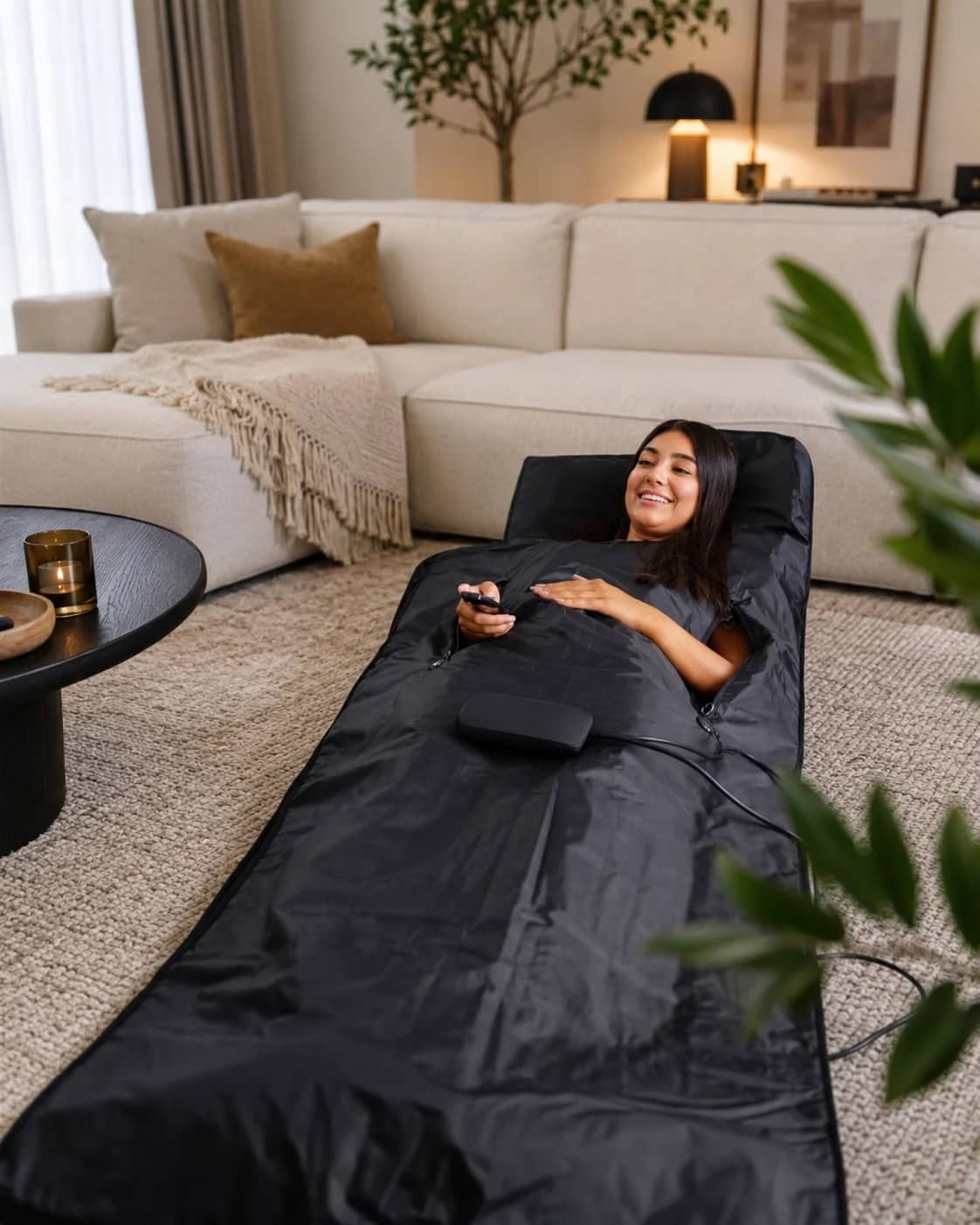
Body Care
Infrared Mat Pro 1500 W
A full-size infrared mat for deep warmth and a relaxing break.
Available€15.00/dayBook - Nº 04
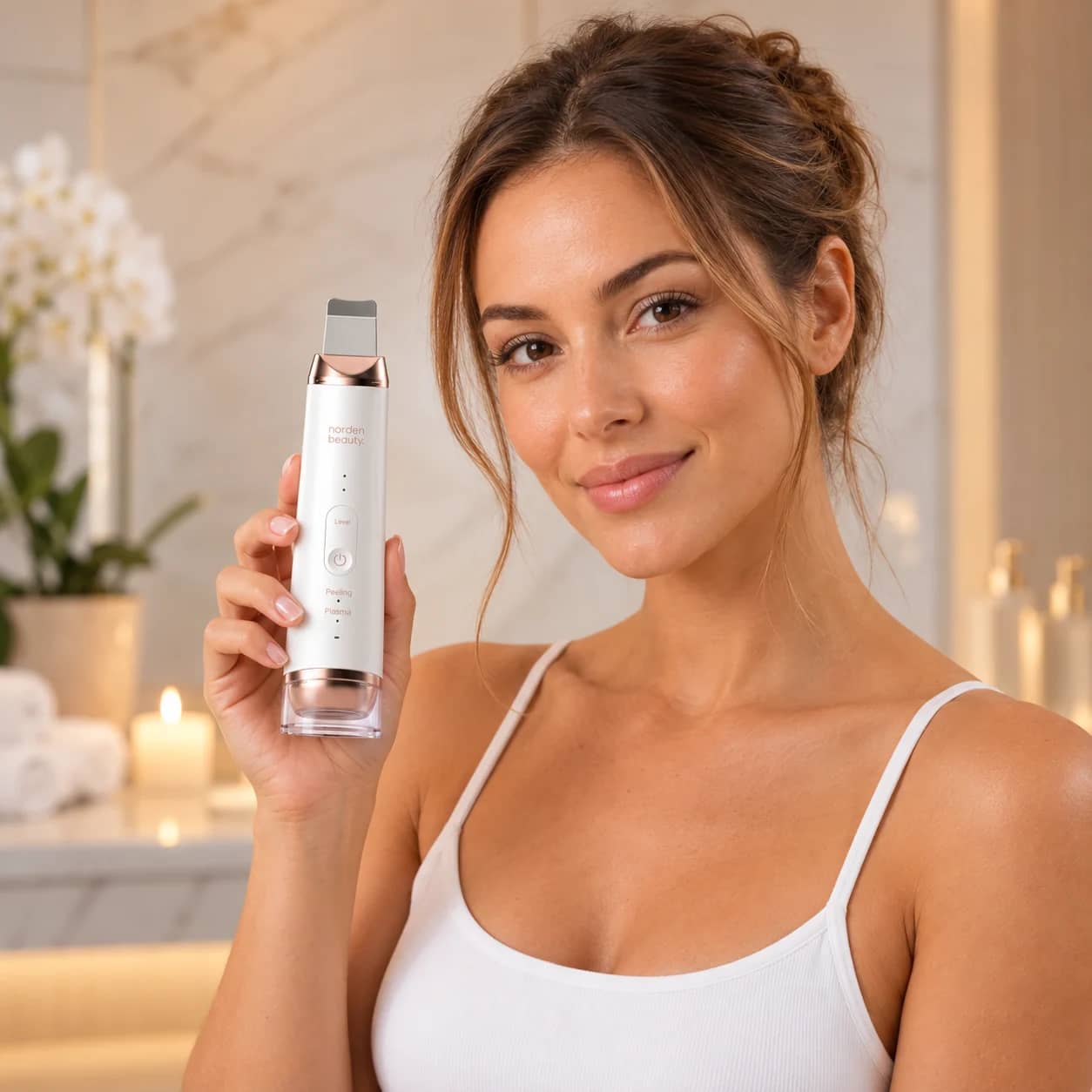
Facial Care
Nordenbeauty SonicPro Dual Facial Care Device
An ultrasonic spatula and plasma care in one device. Try it as part of your home skincare routine before buying your own.
Available€11.00/dayBook - Nº 05
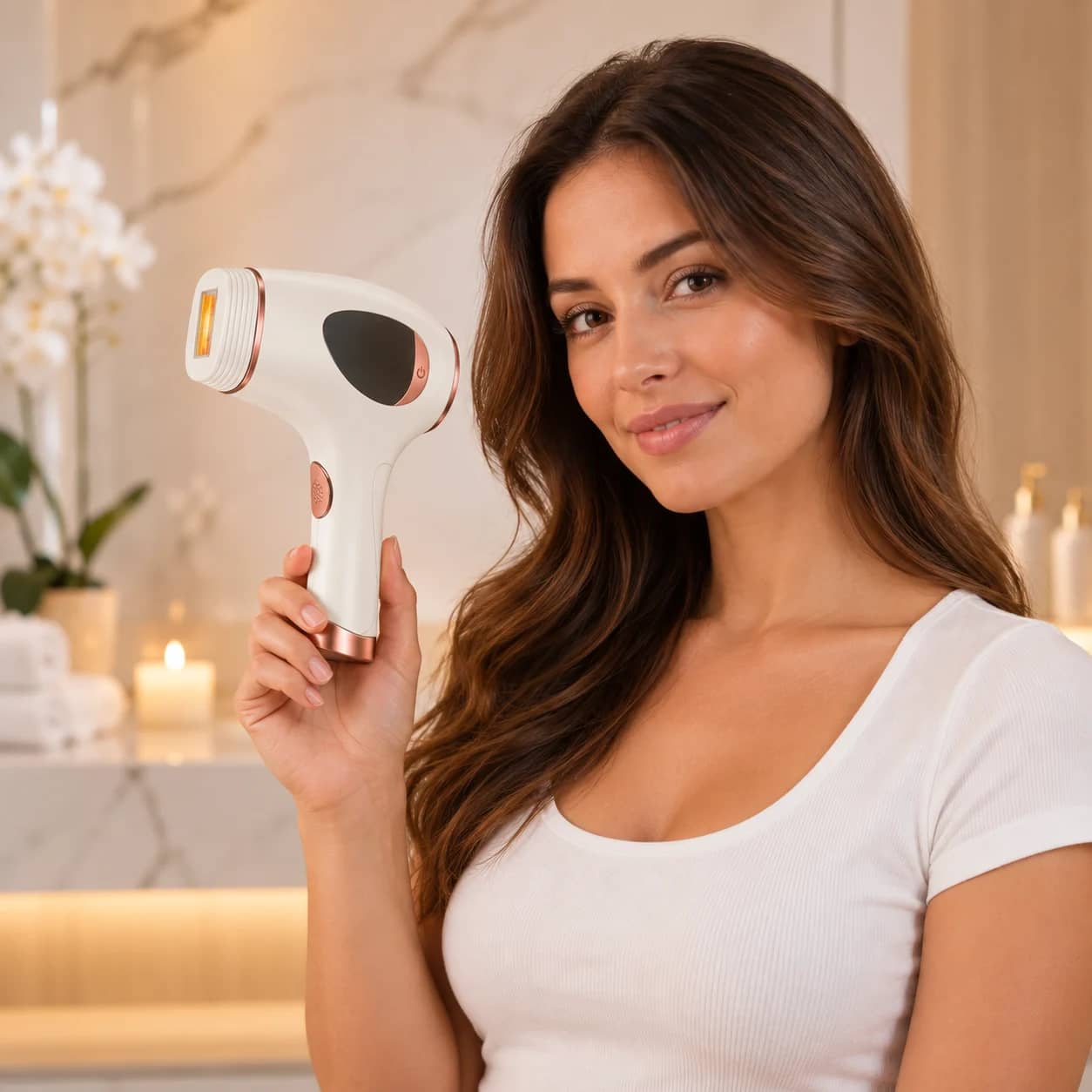
Hair Removal
Hilda PROline IPL Hair Removal Device
An IPL device for home hair removal with five intensity levels, automatic mode and a skin sensor.
Available€15.00/dayBook
The selection expands after the device details, instructions and safety are checked.
View the catalogue- Clear device specifications
- Guided use
- Recorded hygiene status
- A relaxing beauty routine at home
How does it work?
Choose a device and time, confirm the required details, then follow the payment and handover instructions shown in the booking.
- 01
Pick a device
Browse the catalogue, check hygiene status and availability in real time. Every device is clearly presented.
- 02
Book a time
Choose a rental length. When required, staff inspect the original ID at handover; the payment method is shown before confirmation.
- 03
Collect the device
The confirmed booking shows the exact handover method, location and time.
Choose a device, see real availability, and follow one clear flow from booking to inspected return.
The Beautybox service principle
a transparent rental experience
A smooth rental from booking to return.
Book a suitable time, follow the manufacturer's instructions and return the device on time. Help is a message away when you need it.
Clear instructions
Read the operating instructions and contraindications. Use only methods and accessories permitted by the manufacturer.
Care for the device
Follow the manufacturer's care and cleaning instructions and protect the device and its accessories from damage.
Return on time
Return the device with all accessories at the time and place shown in your booking. Confirm the return in your booking.
Help with faults
If the device stops working or is damaged, stop using it and contact us. Devices requiring maintenance are removed from rental.
Your privacy, the first priority.
Payment details are handled by the payment provider. Verification data follows the configured provider or a restricted manual-review process.
Clear payment method
The rental fee, possible charges, deposit and payment method are shown before confirmation.
ID verification
When required, staff inspect the original ID at handover. No ID photo or selfie is collected.
Controlled handover
The handover method and instructions are set for the specific product and booking.
Frequently asked questions
01How quickly is the deposit released?+
02Can I extend my rental?+
03What if I forget to return the device?+
04What if the handover instruction does not work?+
05Are the devices new?+
Start today
Ready for your first rental experience?
Check live calendar availability and book the time that suits you.
The confirmed booking shows the exact handover place and time